How to Set Up a Family Calendar System That Everyone Actually Uses
A good family calendar system does more than record appointments — it helps your whole household stay aligned without constant reminders, missed events, or last-minute stress. When set up well, it becomes the single source of truth for school deadlines, work trips, meals, sports practices, and family commitments.
The key is not making the calendar more detailed. It’s making it easier for everyone to check, update, and trust. In this guide, you’ll learn how to create a family calendar system that fits busy households and actually gets used day after day.
Why a family calendar system matters
Most families do not struggle because they are disorganised in general. They struggle because information lives in too many places: a phone, a notebook, a fridge note, a group chat, and someone’s memory. That’s where a family calendar system changes everything.
Instead of asking, “Did anyone tell me about that?” you have one shared place for time-based information. This makes it easier to plan dinners, coordinate transport, avoid double-booking, and keep everyone accountable.
If you’re also building broader family routines, this pairs well with [LINK_TO: How to Create a Family Weekly Planning Meeting That Actually Sticks] and [LINK_TO: How to Build a Household Routine That Actually Sticks].
Choose the right type of family calendar system
Before you buy supplies or download templates, decide what kind of calendar system your family will realistically use. The best option is the one that matches your household habits.
Option 1: Shared digital calendar
This works well for families who live on their phones. A shared digital calendar is great for reminders, recurring events, and real-time updates.
- Best for busy parents and teens
- Easy to sync across devices
- Useful for alert notifications
Option 2: Large wall calendar
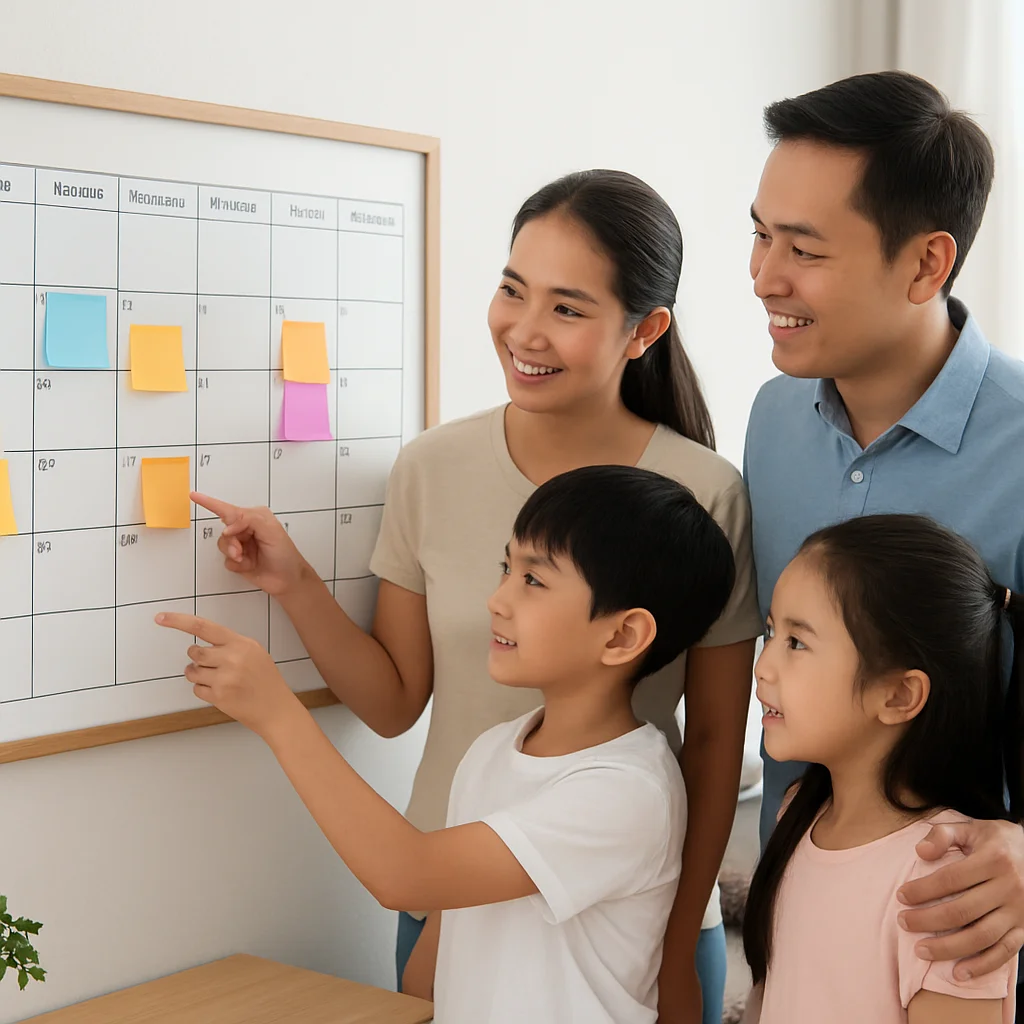
A visible wall calendar works well for younger children and households that need to see the week at a glance. It is especially helpful in kitchens, entryways, or command centers.
- Best for visual learners
- Easy for kids to check independently
- Helpful for family-wide planning
Option 3: Hybrid system
For many families, the most effective family calendar system is hybrid: a digital calendar for alerts and a physical calendar for visibility. This gives you the best of both worlds.
If you want a central setup that brings calendars, reminders, and paperwork together, see [LINK_TO: How to Create a Household Command Center That Keeps Your Family on Track] and [LINK_TO: How to Set Up a Family Command Center That Actually Gets Used].
Set up your family calendar system in 5 simple steps
1. Pick one primary calendar
The biggest mistake families make is using multiple calendars as equal sources. Choose one main calendar that everyone agrees to trust first. This reduces confusion and makes updates easier.
For example, if you use digital scheduling, one shared calendar should hold all key family events. If you use a wall calendar, that calendar should reflect the real schedule, not just partial information.
2. Define what goes on the calendar
Not every task belongs in the calendar. Keep it focused on time-sensitive items such as:
- School events and deadlines
- Sports practices, lessons, and rehearsals
- Work meetings and travel
- Medical appointments
- Family activities and social plans
- Meal planning and special prep days
Including too much can make the calendar cluttered and harder to use. For task lists and chores, pair your calendar with [LINK_TO: How to Build a Family Chore Chart That Actually Gets Used] and [LINK_TO: How to Create a Family Cleaning Schedule That People Actually Follow].
3. Assign a weekly update time
A calendar only works if it stays current. Set one predictable time each week to review and update it. Many families do this during Sunday night planning or after a weekly reset.
Need a structure for that habit? Use [LINK_TO: A Simple Weekly Reset Routine That Makes Monday Feel Easier] and [LINK_TO: How to Create a Weekly Planning System That Reduces Stress].
4. Make it visible where people naturally look
If the calendar is hidden, it will be forgotten. Place your physical calendar in a high-traffic area like the kitchen or entryway. For digital systems, make sure everyone knows how to access it and has notifications turned on.
The goal is to reduce friction. The less effort it takes to check the calendar, the more often people will use it.
5. Keep the layout simple and consistent
A family calendar system should be easy to scan in seconds. Use clear categories, consistent colours, and simple labels. For example:
- Blue for school
- Green for health appointments
- Red for deadlines
- Orange for family events
Too much detail makes the system feel like homework. Simplicity makes it usable.
How to get the whole family to actually use it
The strongest family calendar system is not the fanciest one — it’s the one with buy-in. If only one person updates it, the system becomes a bottleneck. Here’s how to build participation.
Make it part of an existing habit
Attach calendar checking to something your family already does: breakfast, dinner, Sunday planning, or bedtime prep. Habit stacking makes it easier to remember.
Teach kids how to use it
Children use systems better when they understand them. Show them where to look, how to spot their activities, and when to report changes. Even young kids can learn to check a wall calendar or ask, “What’s next today?”
Use reminders sparingly
Reminders are helpful, but too many can make people ignore them. Use notifications for critical appointments only. Let the calendar itself do most of the work.
Review changes immediately
When plans change, update the calendar right away. If your family relies on memory first and the calendar later, the system will lose trust fast. Consistency matters more than perfection.
Common mistakes to avoid
Even a well-designed family calendar system can fail if it becomes too complicated. Watch out for these common problems:
- Using multiple calendars that do not match
- Overcrowding the calendar with too much information
- Forgetting to update recurring events and changes
- Hiding the calendar where nobody sees it
- Making one person responsible for everything
If your household is also trying to coordinate documents, forms, and important records, consider [LINK_TO: How to Create a Home Paperwork System That Prevents Lost Documents] and [LINK_TO: How to Create a Family Information Binder That Everyone Can Use].
Make your family calendar system support real life
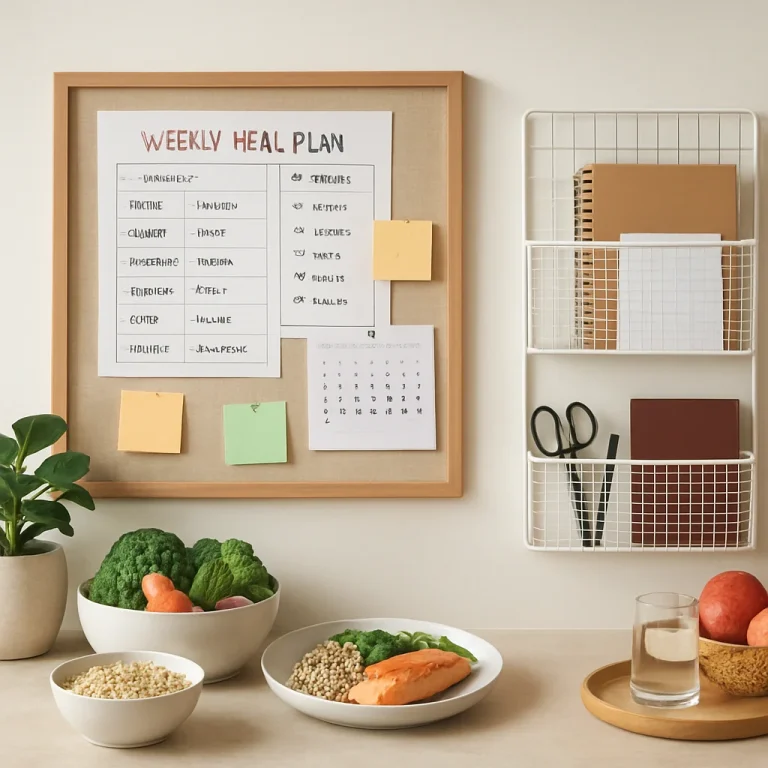
A calendar is not just for appointments — it can also support smoother dinners, healthier routines, and less rushed evenings. For example, families who plan meals alongside their schedule often feel less stressed at dinner time because they know what’s happening each day.
If your household is planning around nutrition goals, you may also find [LINK_TO: Weekly Meal Prep Planner for Families | KnowMeal] helpful, especially if your schedule includes sports, school activities, or work travel. For households managing blood sugar or dietary needs, try [LINK_TO: Diabetes Friendly Meal Plan Singapore Guide] or [LINK_TO: Insulin Resistance Meal Plan for Better Blood Sugar].
Families focused on fitness or body composition can also coordinate meal prep and training around the calendar using [LINK_TO: Body Recomposition Meal Plan for Fat Loss + Muscle]. For older adults, planning regular meals and appointments can pair well with [LINK_TO: Healthy Meal Planning for Seniors | Simple SG Meals].
Conclusion
A reliable family calendar system should make life easier, not add another task to manage. Start with one shared calendar, keep the layout simple, review it weekly, and make it visible enough that everyone can use it without thinking twice. When the system fits your household habits, it becomes part of daily life instead of another forgotten tool.
If you’re ready to make your home feel calmer and more coordinated, start by choosing your calendar format today — then build it into your weekly family routine. For more support, explore [LINK_TO: A Simple Family Calendar Setup for Busy Households] and [LINK_TO: How to Build a Family Information Hub That Keeps Everything in One Place].